BendFlow is built for the gap between design CAD and tube bending production.
BendFlow reduces the manual work required to turn CAD data into bending-ready data. Recognition, editing, preview, and export all happen in one focused workflow.
Reduce manual work.
Recognize tube geometry from CAD files without rebuilding centerlines by hand.
Decide faster.
Edit bend parameters and preview manufacturing changes in real time.
Export with confidence.
Generate PDF reports, STEP files, and machine-readable bending data.
02 Who It's For
Built for two kinds of tube experts.
Manufacturing
Tube Bending Shops & OEMs
Work faster, respond faster. Convert customer CAD files into manufacturing-ready data in minutes. When design changes are required due to tooling limits or interference, BendFlow allows quick edits with instant visual feedback — making technical discussions with customers clearer and more persuasive.
Engineering
Product Designers & Engineers
Design tubes without fighting CAD. BendFlow is more than a conversion tool — it provides a specialized, intuitive environment for tube design and correction, eliminating the pain of drawing and modifying tubes in traditional CAD systems.
One-Click ImportReading, recognition, and data conversion happen automatically — in seconds.
Robust Geometry RecognitionEven tubes with holes, flanges, or formed ends can often be recognized without CAD pre-processing.
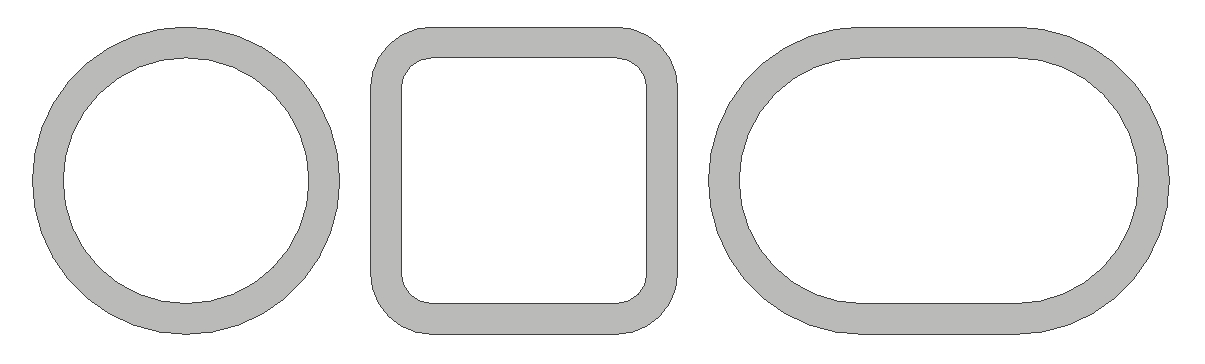
Multi-Profile SupportRound tubes, square tubes with corner radii, and flat-sided oval tubes are fully supported.
Tube Part Selection from AssembliesEasily extract tube parts from complex assembly files.
High-Quality 3D VisualizationSmooth rotation, zooming, and clear rendering help you verify geometry instantly.
Why it matters You don’t need to fix CAD files before importing them. BendFlow handles imperfect data so you don’t have to.
03 / Core Features
Editing & Modification
Make changes where they actually happen — on the shop floor.
Intuitive Radius AdjustmentModify bend radii with immediate visual feedback.
Direct & Flexible Parameter EditingEdit LRA or XYZ data directly and see results in real time.
Full History & UndoEvery change is tracked and reversible.
Create Tube Geometry from ScratchCreate new tube geometries directly inside BendFlow.
End ExtensionExtend tube ends by entering an extension length or selecting a target position.
Why it matters CAD designs can't always be manufactured exactly as drawn. BendFlow lets you adjust the geometry on the spot for the tooling and machine you have — then compare it with the original design to shape what you propose to your customer.
03 / Core Features
Advanced Tools
Practical tools for real manufacturing scenarios.
Bending Orientation PreviewRun a fast, machine-independent bending preview to quickly spot potential issues.
Manual Geometry GuidanceManually guide tube recognition when CAD geometry is skewed or broken.
Comprehensive Editing ToolkitReverse, Mirror, Merge, Connect, Length Redistribution, and Define a Start Point for closed-loop tubes.
Measurement ToolsMeasure spans, distances, and key dimensions directly on the model.
Why it matters You get answers immediately — without guessing or rebuilding models in CAD.
04 Export & Integration
Ready to use. Ready for production.
PDF Reports
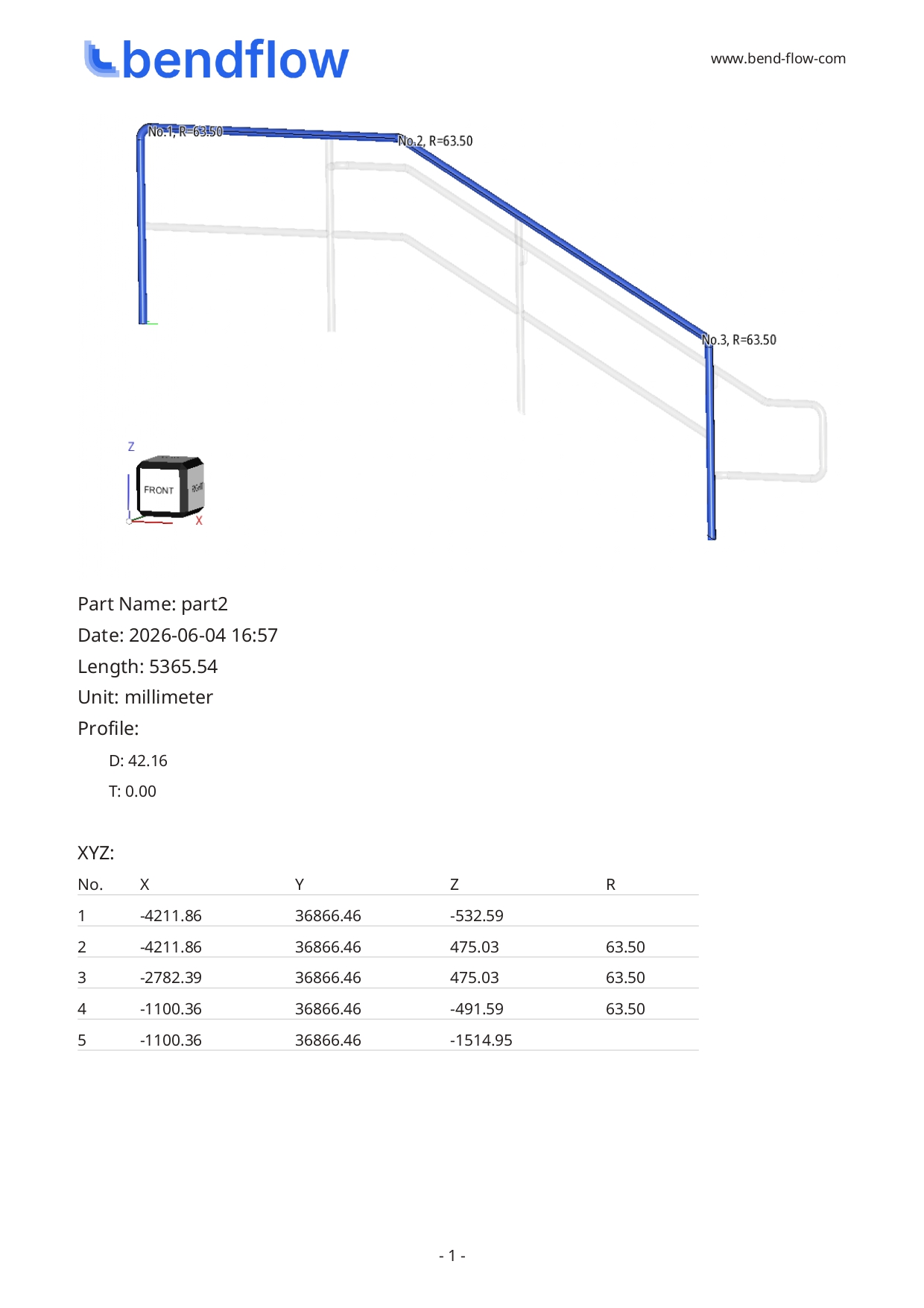
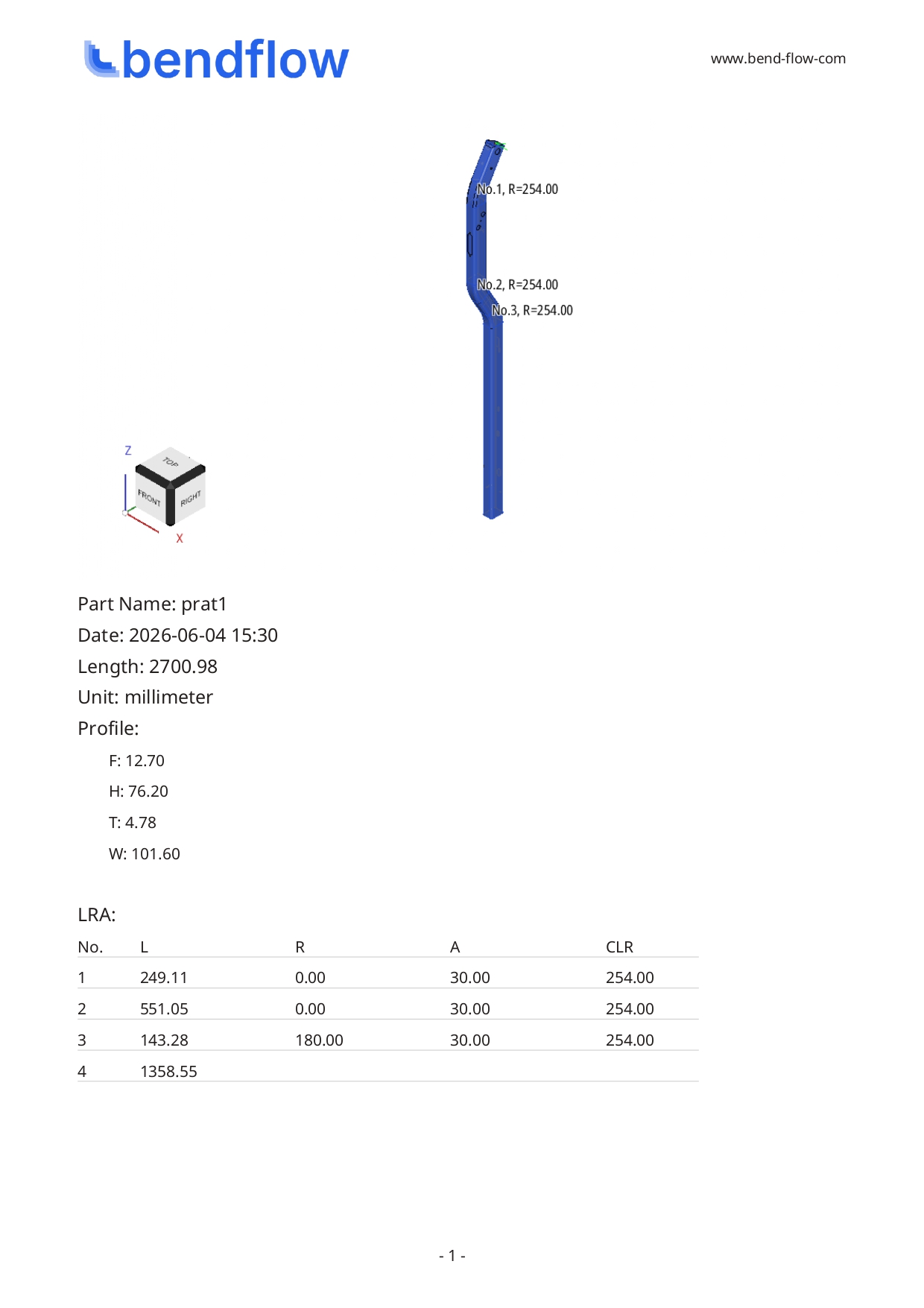
Generate shop-floor-ready, printable reports with images, XYZ, and LRA data using customizable templates.
CAD Files
Export processed tube geometry as clean STEP files, ready for reuse in CAD, CAM, or downstream engineering workflows.
Machine-Readable
Export machine-readable data in bending formats commonly used by tube bending machines, such as SV (Supravision), XYZ, and LRA. Custom formats can be added as needed.
05 Specialized Modules
Make time-consuming CAD work simpler.
Optional modules reduce trial and error, manual calculations, and geometry rebuilding.
ChallengeBending machines need freeform curves decomposed into multi-radius arc segments. Traditionally done by hand in CAD — slow, error-prone.
SolutionAutomatic decomposition into arc-based geometry within defined tolerances. Visualize deviation between the original curve and segmented result — balance manufacturability and visual accuracy before sending to the machine.
Final segmentation and bending feasibility should always be verified against machine capability, tooling, and material behavior.
Unbend Module
Essential for laser cutting and punching workflows.
Scenario“Cut first, bend later” — laser cutting or punching on straight tubes before bending.
ChallengeCustomers often provide only the final bent model, with no accurate unbend data for hole positions, slots, or features. Reconstructing this by hand — with bending elongation compensation — is tedious and error-prone.
SolutionOne-click straightening that precisely preserves feature positions relative to the straight tube. User-defined elongation factor produces straight-tube geometry ready for laser cutting or punching CAM.